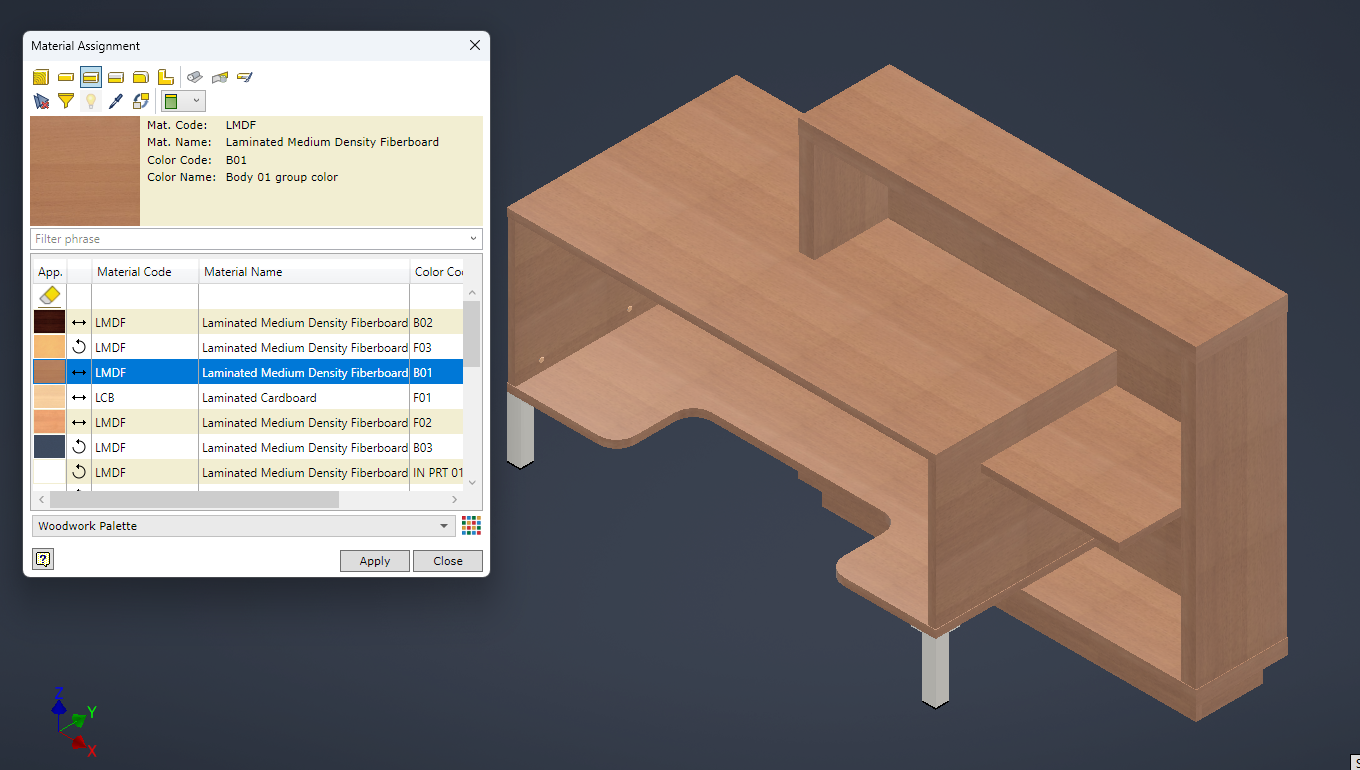
1. Open an assembly (or a part) that you want to assign a material to.
2. Use the Assign command from the Woodwork Design toolbar.

3. In the Material Assignment dialog window select a Material type from the top menu. Then select the material that you want to apply from the Material list and click on components in the graphical window or the side browser and click "Apply".
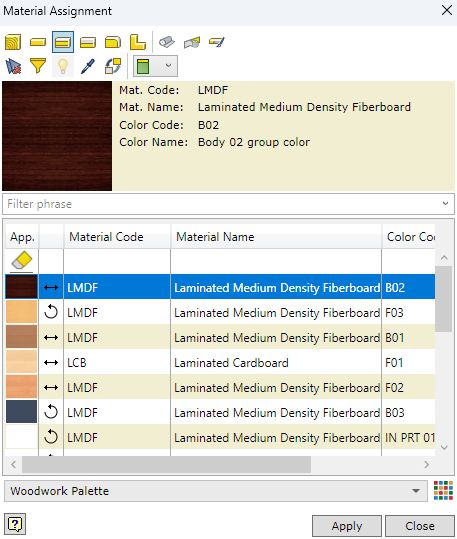
4. Select a Laminated Board material. Select components that you want assign the material to and click "Apply".