
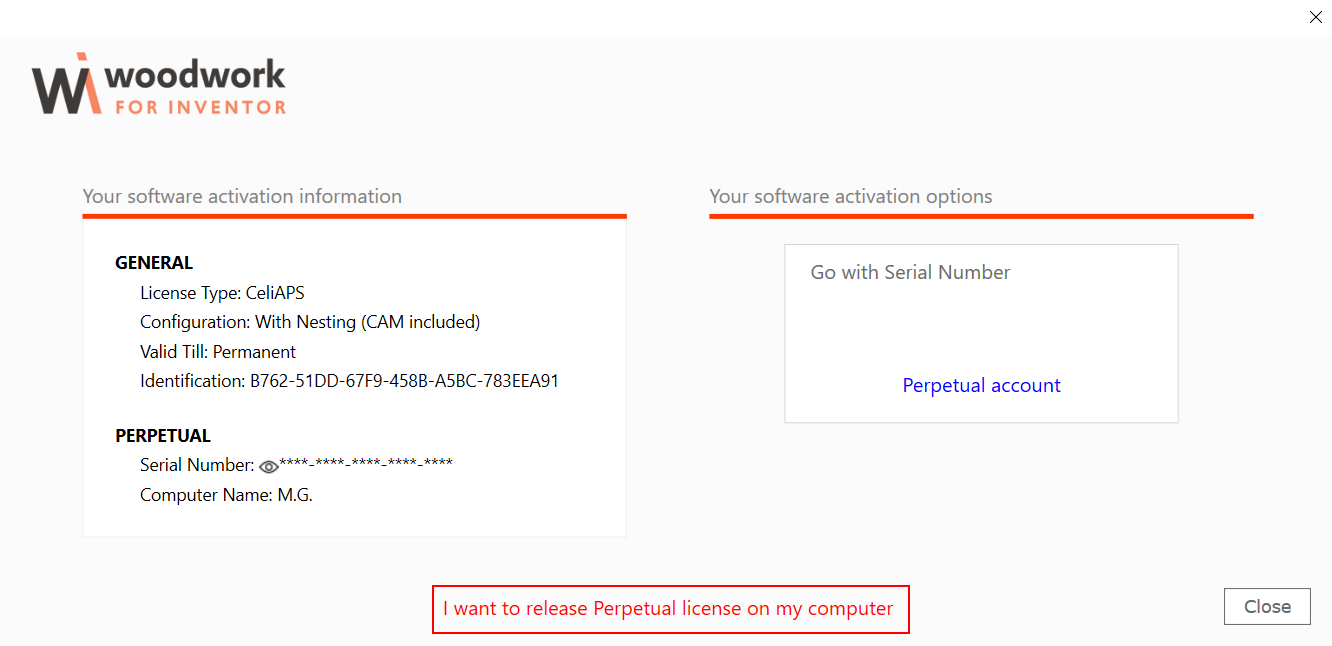
1.Run Autodesk Inventor and in the appearing Woodwork for Inventor software license management table, click "I want to release licenses on current computer".
|
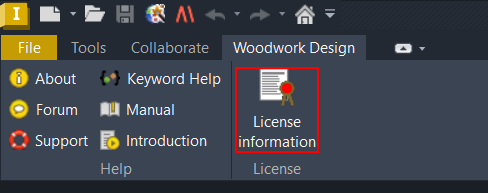
Note. The license management table may also be accessed by clicking “License information” on the “Woodwork Design” menu bar.
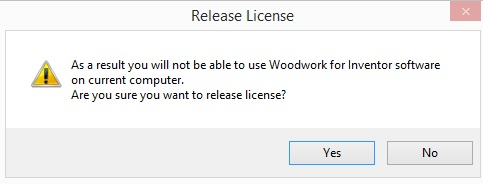
2.In the appearing Woodwork for Inventor software license deactivation management table click “Yes”.
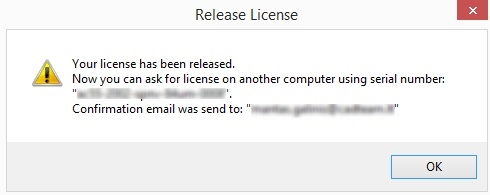
3.In the appearing Woodwork for Inventor software license deactivation confirmation table click “OK”.
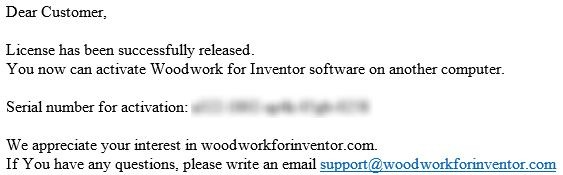
4.You will be notified of successful license deactivation to your email address provided in the license activation request window.
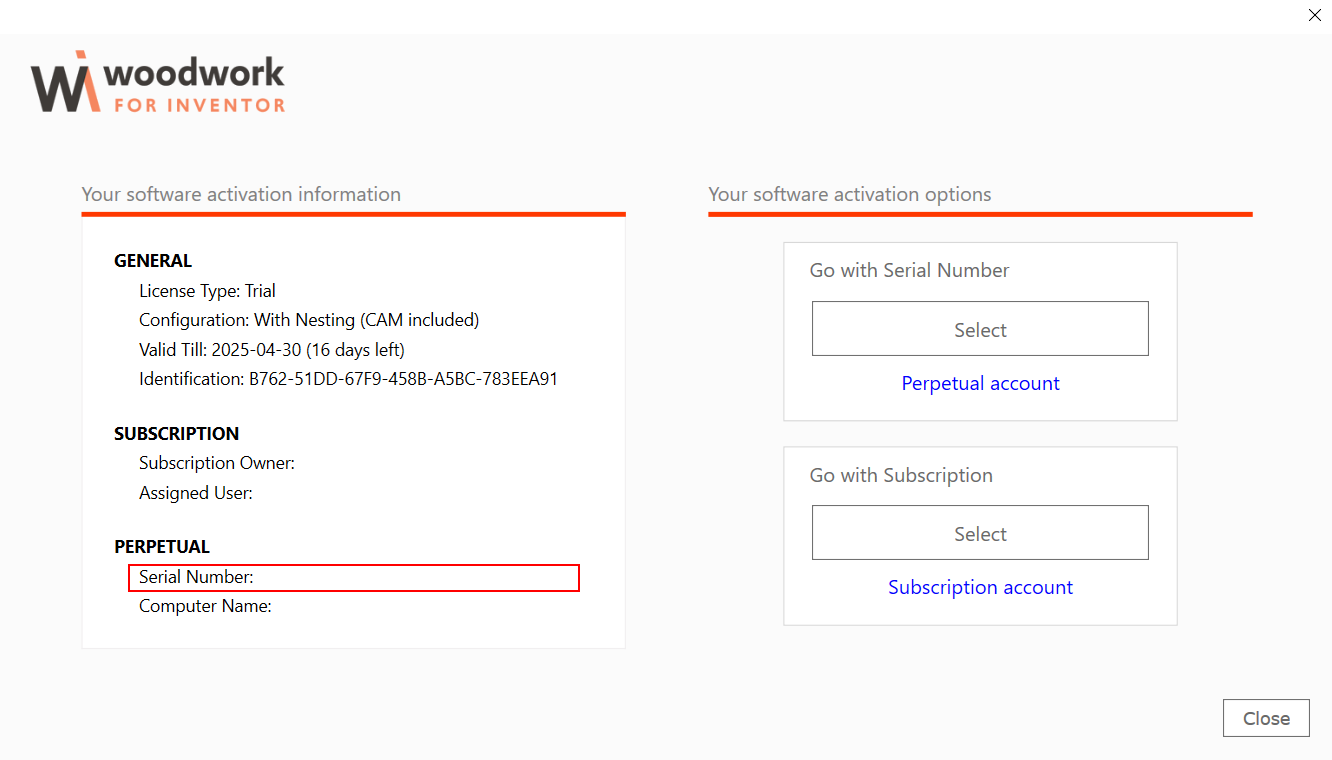
5.In the appearing Woodwork for Inventor software license management table, your license Serial Number is empty.
6.Now you can activate Woodwork for Inventor software by using the same Serial Number on other machine. |
Perpetual license transfer between machines Print
Modified on: Fri, 23 Oct, 2026 at 11:41 AM
Did you find it helpful? Yes No
Send feedbackSorry we couldn't be helpful. Help us improve this article with your feedback.